You can spend weeks preparing for Black Friday, then lose a sale when someone clicks “Pay now”. The checkout fails, they abandon their purchase and leave.
Meanwhile, your homepage loads and your uptime dashboard stays green. A basic availability check of your website can keep producing a positive result, meanwhile a customer is unable to complete a purchase.
During a short promotion, that is an expensive problem to discover late.
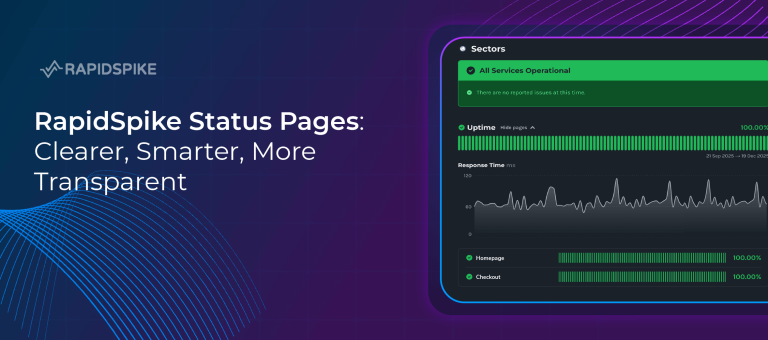
User journey monitoring helps you check the route to purchase before the campaign starts and keep watching it while the offers are live.
Follow the route to purchase
With RapidSpike’s user journey monitoring, a script uses a real browser to work through the actions a customer would take. It can search for a product, add it to a basket, enter details and move through checkout. You choose how often it runs and which locations it runs from.
A product page might load perfectly while its “Add to basket” button does nothing. A checkout might display all the right fields while refusing to accept a valid address. A basic uptime check may never reach either problem.
The same approach works for bookings, enquiry forms and account access. Start with the journey whose failure would hurt your business most.
Check what each step delivers
For a Black Friday promotion, check the offer as well as the clicks. Does the advertised discount appear in the basket, and does it survive the move to checkout? These checks give a passing test meaning.
Coverage matters too. If most customers buy as guests on mobile, a desktop test that always signs into an account leaves a gap. And a journey that stops at the payment page cannot tell you whether payment works. Be clear about what your test proves before relying on its green tick.
Watch the services your checkout relies on
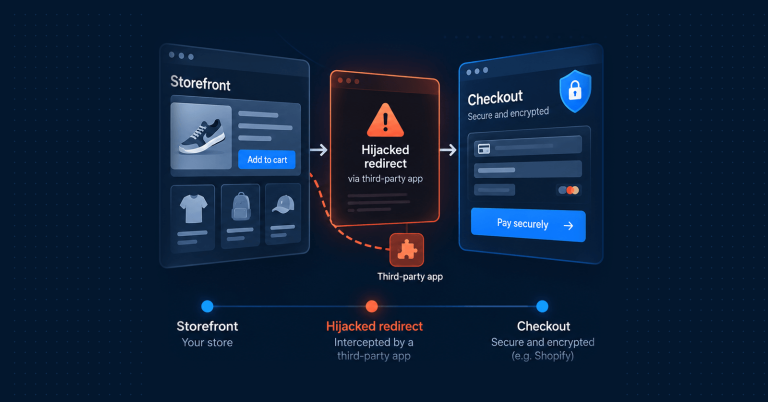
Payment providers, address lookup services and consent tools can all affect what happens in the browser. Your checkout can change even when your team has released nothing.
Testing from the customer’s side brings those dependencies into view. A consent banner might cover a button, or an external service might leave customers waiting for delivery options that never appear.
RapidSpike’s third-party tracking helps you examine how external services perform over time. Its waterfall view breaks a page load into individual requests, helping your team investigate whether a delay comes from your own site or a service it relies on.
See what happened when a journey fails
When checkout fails intermittently, reproducing the problem can take longer than fixing it. Capturing evidence during the test gives your team somewhere to start.
RapidSpike’s journey results and failure analysis let you examine individual steps and compare a failed run with a successful one. Screenshots captured at key points show what appeared on screen, while video playback, when enabled, helps you follow the sequence leading to a failure. Step timings show where the journey slowed.
For example, a screenshot could reveal missing delivery options; the request data could then help you investigate the service behind them. That gives the team a specific problem to pursue.
Before the Black Friday campaign goes live, check the journey it sends customers on. Explore RapidSpike Synthetics or talk to our team about monitoring your checkout.