New Feature: Maintenance Windows

You now have the ability to create Maintenance Windows that pause the RapidSpike services at specific times of your choosing.

You now have the ability to create Maintenance Windows that pause the RapidSpike services at specific times of your choosing.
Adding new monitors to your RapidSpike account is a quick, automated and thoroughly simple process.

I think we can all agree it’s super important to keep tabs on our closest celestial neighbour. Now RapidSpike can help!

Keep your ISP honest by continually checking your internet download and upload speed with RapidSpike Connect Anything

RapidSpike Connect Anything monitor allows you to monitor… just about anything! Send values to RapidSpike and utilise our dashboards and alerting system
Add a datestamped dynamic badge to your website, reassuring your customers that you are Assured by RapidSpike
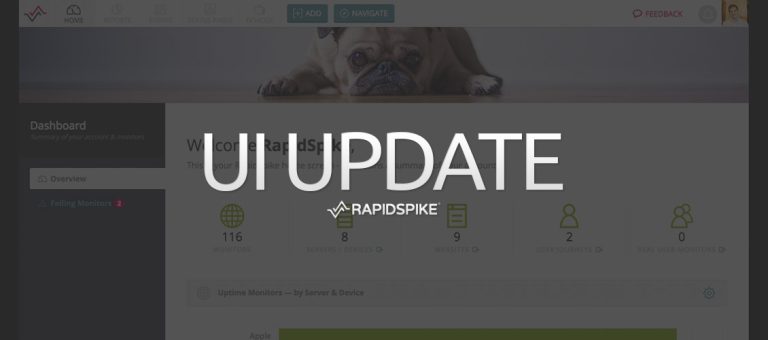
This week we’ve released a big update to our app UI. Take a look to find out more!
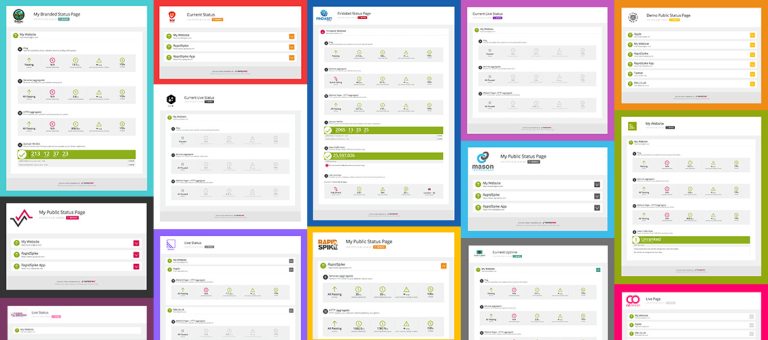
Public Status Pages are now available for all RapidSpike subscription plans so now Basic Plan users can utilise these status pages.

Our latest new monitor allows you to check the configuration of your Web Server against issues with the SSL Ciphers that are being used to secure your user sessions.

New update to our Public Status Pages – you can now add a CNAME and display your page on your own domain.

We’ve added a new monitor type to RapidSpike: Google Safe Browsing, which monitors and alerts you if your website has been listed as unsafe.

This post highlights how RapidSpike performance tools are being used in real world examples to help eCommerce teams improve.


